
| SD-WAN Explained: How Fortinet Secure SD-WAN Cuts Branch Office Costs |
The Problem SD-WAN Solves
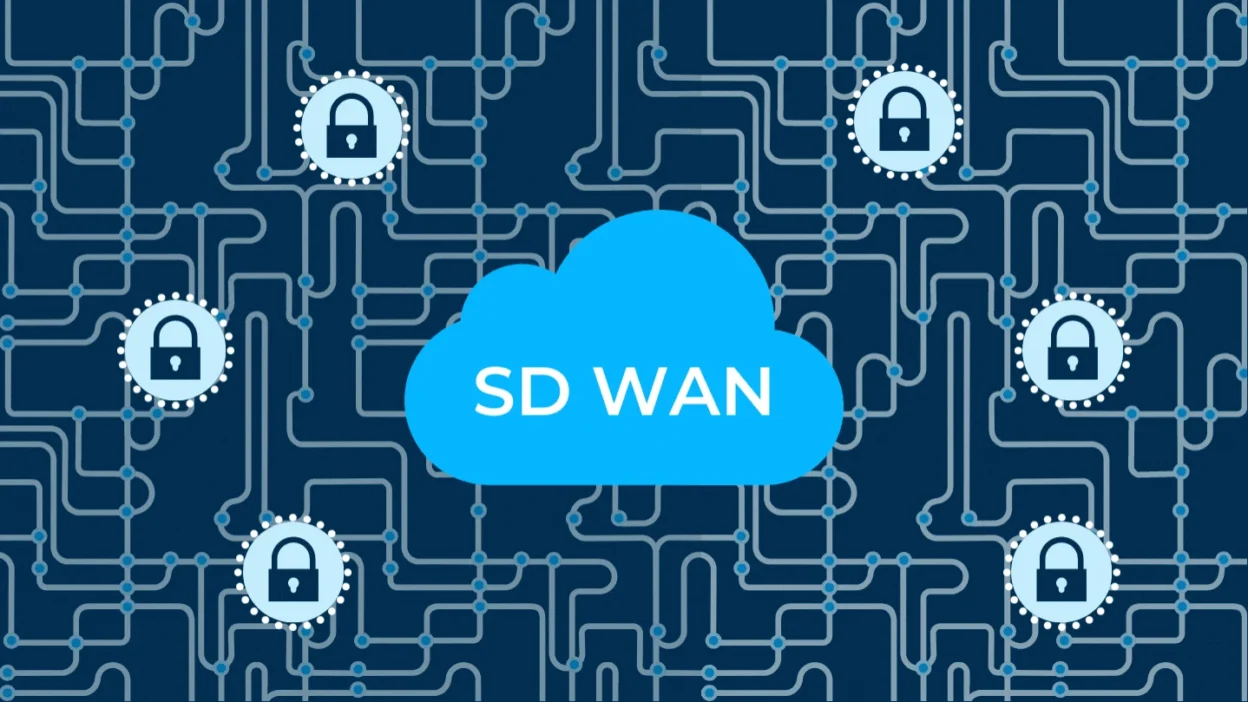
Traditionally, connecting branch offices to head office reliably meant paying for MPLS circuits — expensive, but predictable. As branches increasingly need direct, fast access to cloud applications rather than just the head office, backhauling all traffic over MPLS became both costly and slow. SD-WAN (Software-Defined Wide Area Networking) addresses this by intelligently using multiple, cheaper connections — broadband, LTE, MPLS where it still makes sense — and steering traffic across them based on real-time link quality.
What ‘Secure’ SD-WAN Adds
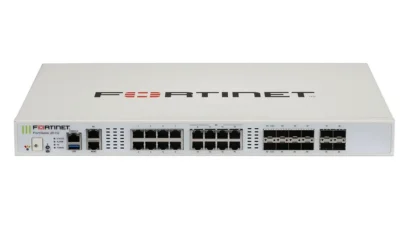
Plenty of vendors sell SD-WAN as a standalone box. Fortinet’s approach — Secure SD-WAN — builds SD-WAN directly into the FortiGate firewall rather than as a separate appliance. That matters practically: a branch office doesn’t need one box for the firewall and another for WAN optimisation. Full NGFW security inspection (IPS, antivirus, web filtering) applies to traffic regardless of which WAN link it’s steered over.
How the Steering Actually Works
A FortiGate running Secure SD-WAN continuously measures each available WAN link for latency, jitter and packet loss, and steers traffic per application accordingly. A voice call might be pinned to the lowest-latency link, while a large backup transfer uses whichever link has spare capacity — all without an administrator manually reconfiguring routes when a link degrades.
Where the Cost Savings Actually Come From
- Cheaper transport: blending broadband internet with MPLS (or dropping MPLS entirely for many sites) usually costs less than MPLS-only.
- Direct cloud access: SaaS and cloud application traffic can go straight to the internet from the branch instead of being backhauled through a central data centre, reducing both cost and latency.
- Fewer boxes to manage: combining firewall, router and WAN optimisation functions into one FortiGate appliance per branch cuts hardware and support overhead.
What a Typical Rollout Looks Like
Most SD-WAN rollouts for branch networks follow a similar pattern: a FortiGate appliance is deployed at each branch (often via zero-touch provisioning so a non-technical person on-site can plug it in), policy and SD-WAN rules are pushed centrally from FortiManager, and traffic starts steering across available links automatically from day one.
Frequently Asked Questions
Does SD-WAN mean I can drop MPLS entirely?
For many organisations, yes — broadband plus a secondary link is often enough. Some keep a reduced MPLS footprint for latency-sensitive applications; it depends on your specific traffic mix.
Is SD-WAN only useful for organisations with many branches?
It adds the most value with multiple sites, but even a single site with two internet connections benefits from automatic failover and application-aware steering.
Do I need separate hardware for SD-WAN and my firewall?
With Fortinet, no — SD-WAN is a built-in FortiGate capability, so the same appliance handles both security inspection and WAN steering.
Can MetaPoint Technologies help plan an SD-WAN rollout across multiple branches?
Yes — MetaPoint Technologies’s team plans and deploys multi-site Fortinet Secure SD-WAN rollouts across Hyderabad, Telangana, Andhra Pradesh and Karnataka. Contact us on WhatsApp at +91 99895 44438.
Plan Your SD-WAN Rollout
MetaPoint Technologies is an authorised Fortinet partner helping businesses across Hyderabad, Telangana, Andhra Pradesh and Karnataka move from legacy WAN connectivity to Fortinet Secure SD-WAN. Call or WhatsApp +91 99895 44438 to discuss your branch network.”