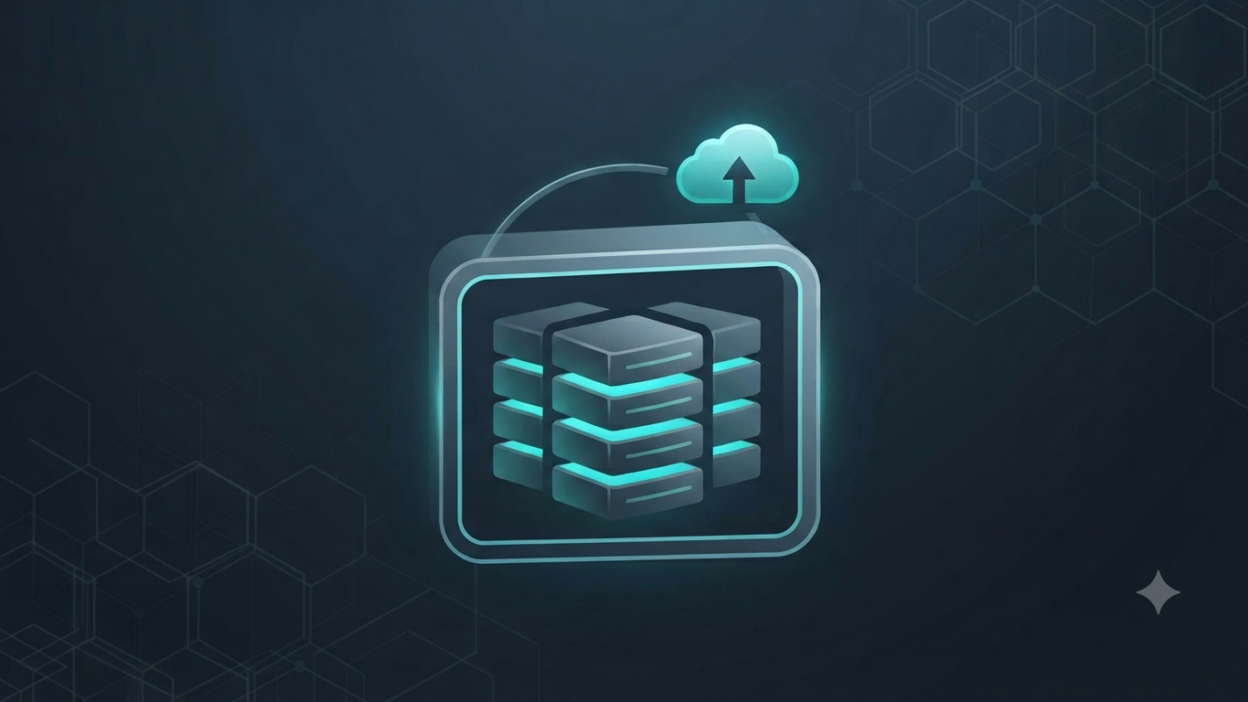
Storage purchases go wrong in fairly predictable ways: the wrong RAID level for the use case, consumer-grade drives in a 24×7 workload, or a NAS bought with no backup plan around it at all.
RAID Is Not a Backup
This is the single most important thing to understand before buying any NAS: RAID protects against a drive failure, not against ransomware, accidental deletion, fire, or theft. Every storage purchase should be paired with a real backup plan — ideally a copy that’s offsite or in the cloud, and at least one copy that ransomware can’t reach or encrypt.
Use Enterprise-Rated Drives in Multi-Bay Enclosures
Consumer hard drives aren’t rated for the vibration of sitting next to 3-7 other spinning drives in an enclosure, and they’re not built for continuous 24×7 operation. Enterprise-rated drives (Seagate IronWolf Pro/Exos, WD Red Pro/Gold) cost more per drive but fail far less often in exactly this environment — the math favors them almost every time.
Right-Size Bay Count for Growth
Buying a 2-bay NAS because it’s “enough for now” is one of the most common false economies in storage — expanding later usually means buying a whole new unit rather than adding a drive. A 4-6 bay unit with some bays left empty costs relatively little more upfront and buys years of headroom.
Synology vs QNAP Comes Down to Priorities
Synology’s DSM interface is generally easier for teams without a dedicated IT administrator; QNAP tends to offer more raw configurability and horsepower for heavier virtualization workloads. Neither is a wrong choice — the right one depends on who’s actually going to manage it day to day.
How MetaPoint Can Help
MetaPoint sizes NAS and enterprise storage deployments — Synology, QNAP, Seagate, and WD — into a complete backup strategy for businesses across Hyderabad, Telangana, Andhra Pradesh, and Karnataka. Contact us before you buy your next storage unit.